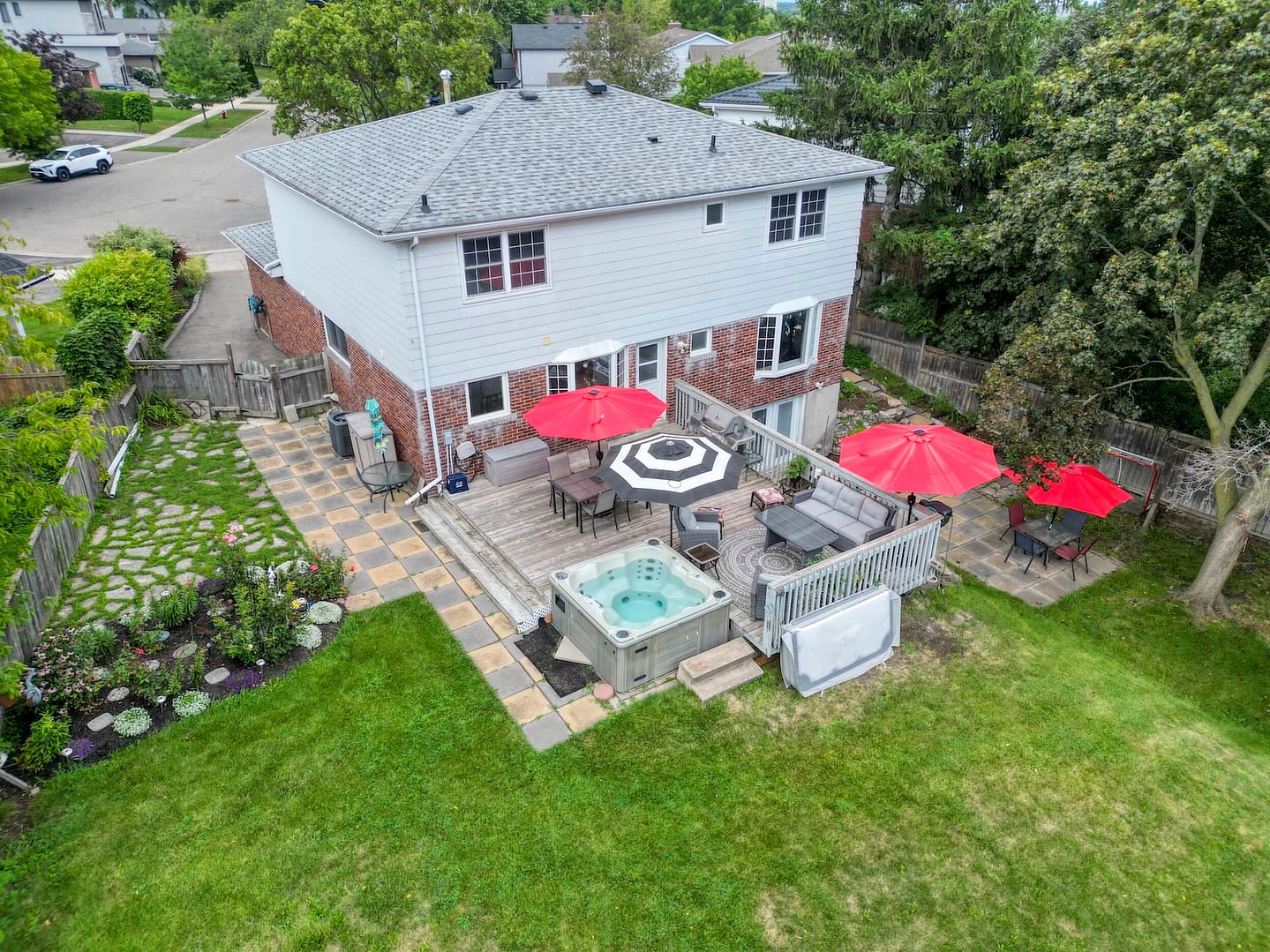
Big Picture 360 Insights · Field Notes — pairing Real Estate Photography with listing copy that matches what buyers see.
After delivering listing media for more than 1,000 GTA properties, we’ve learned a simple rule: persuasive listing descriptions work best when they describe what the gallery already proves. Words that overpromise what photos cannot support create distrust. Words that guide attention through strong images create clarity.
This guide covers how to combine Real Estate Photography and listing descriptions—without fluff—and where AI drafts help after the media is ready.
Quick Summary
- Lead with visuals; let copy explain features photos show
- Sequence the gallery the way you want the story told
- Use Virtual Staging / twilight when the story needs help
- Draft descriptions from verified facts—not invented lifestyle claims
- Link AI drafting tools carefully after human review
About this article: Field patterns from GTA listing launches where photography and copy were delivered together—not a creative-writing workshop.
Photography first, then language
| Media moment | What the photo should show | What the description should say |
|---|---|---|
| Hero exterior | Arrival, curb appeal, light | Architecture style, lot cues, neighbourhood frame |
| Kitchen / living | Finish quality, flow, scale | Renovation highlights, open-concept notes (if true) |
| Primary suite | Privacy, light, ensuite story | Suite features buyers can verify in images |
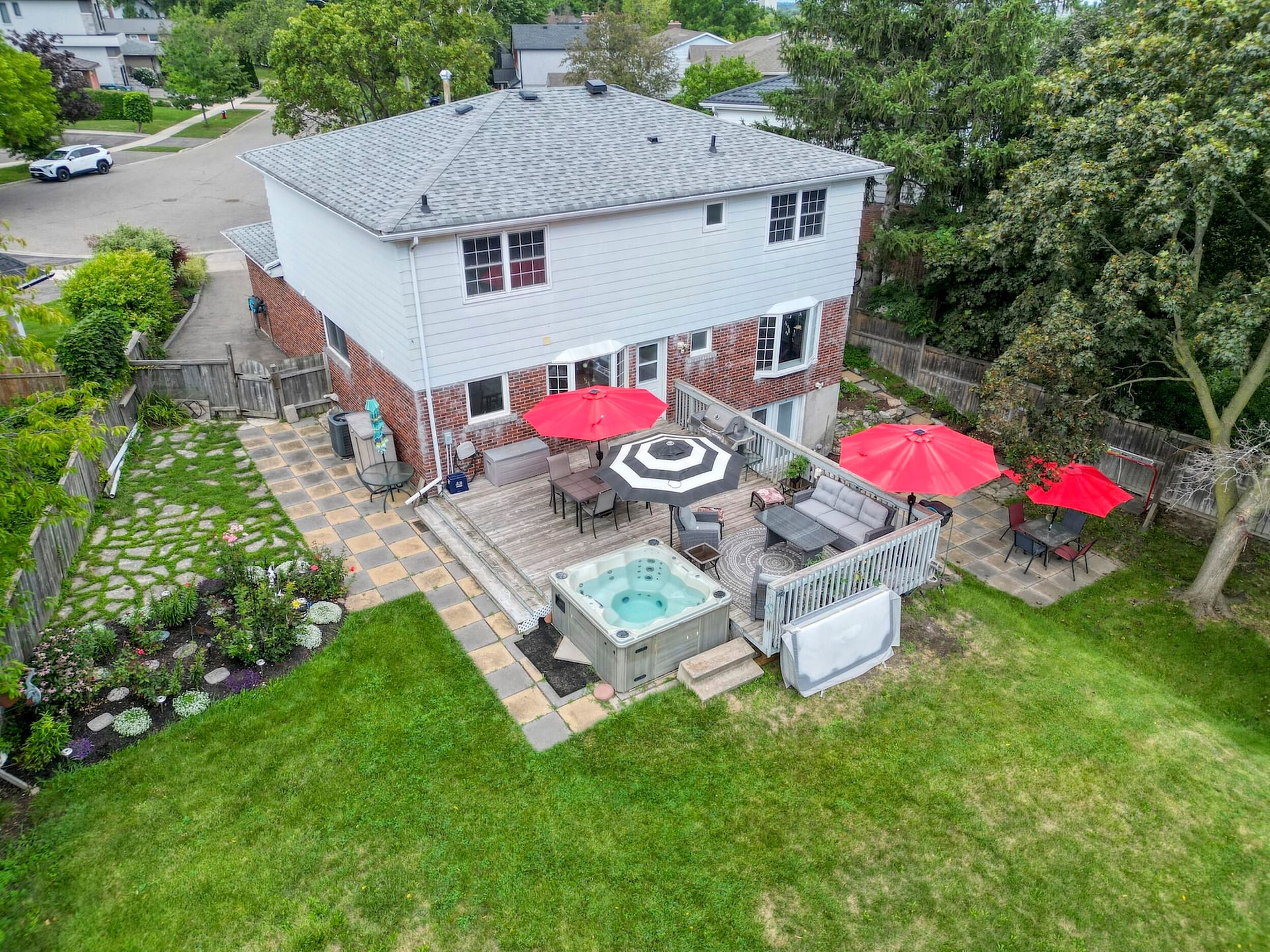
| Outdoor / twilight | Evening presence, outdoor living | Deck, yard, water, or privacy—only if visible |
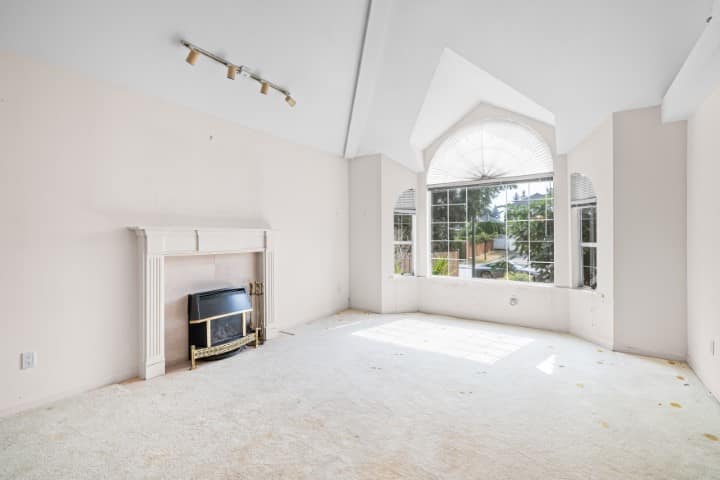
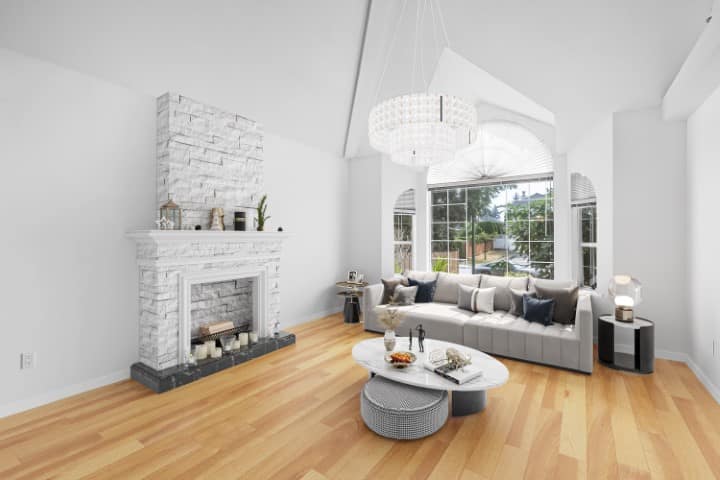
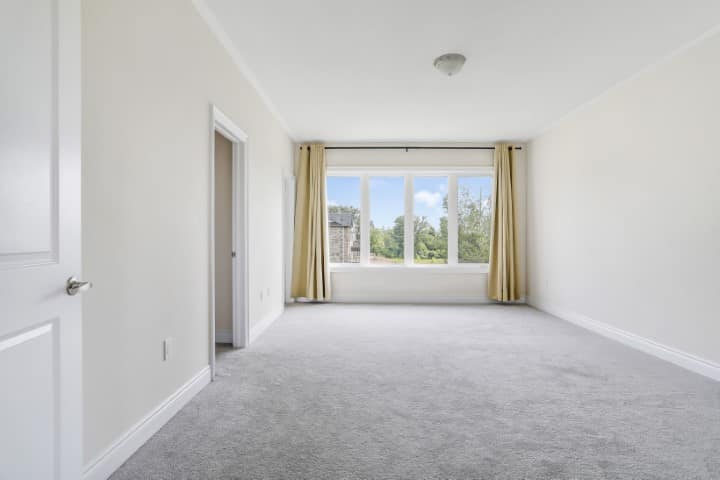
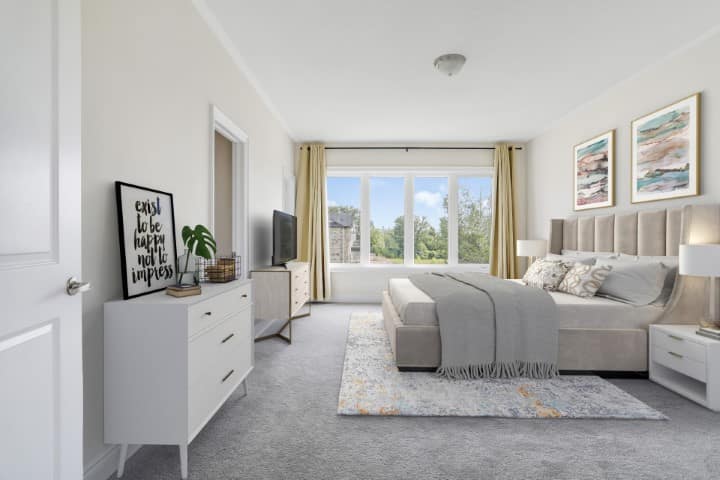
| Vacant rooms | Scale via Virtual Staging (disclosed) | Room purpose without inventing finishes |
Make the gallery tell the story in order
- Arrival exterior
- Foyer / first volume
- Public rooms (living, dining, kitchen)
- Signature feature
- Primary suite
- Supporting bedrooms / baths
- Outdoor living / twilight
- Context (drone when location sells)
If the best feature is the rear yard or water orientation, do not bury it. Move it earlier—and mention it early in the description.
When Virtual Staging supports the copy
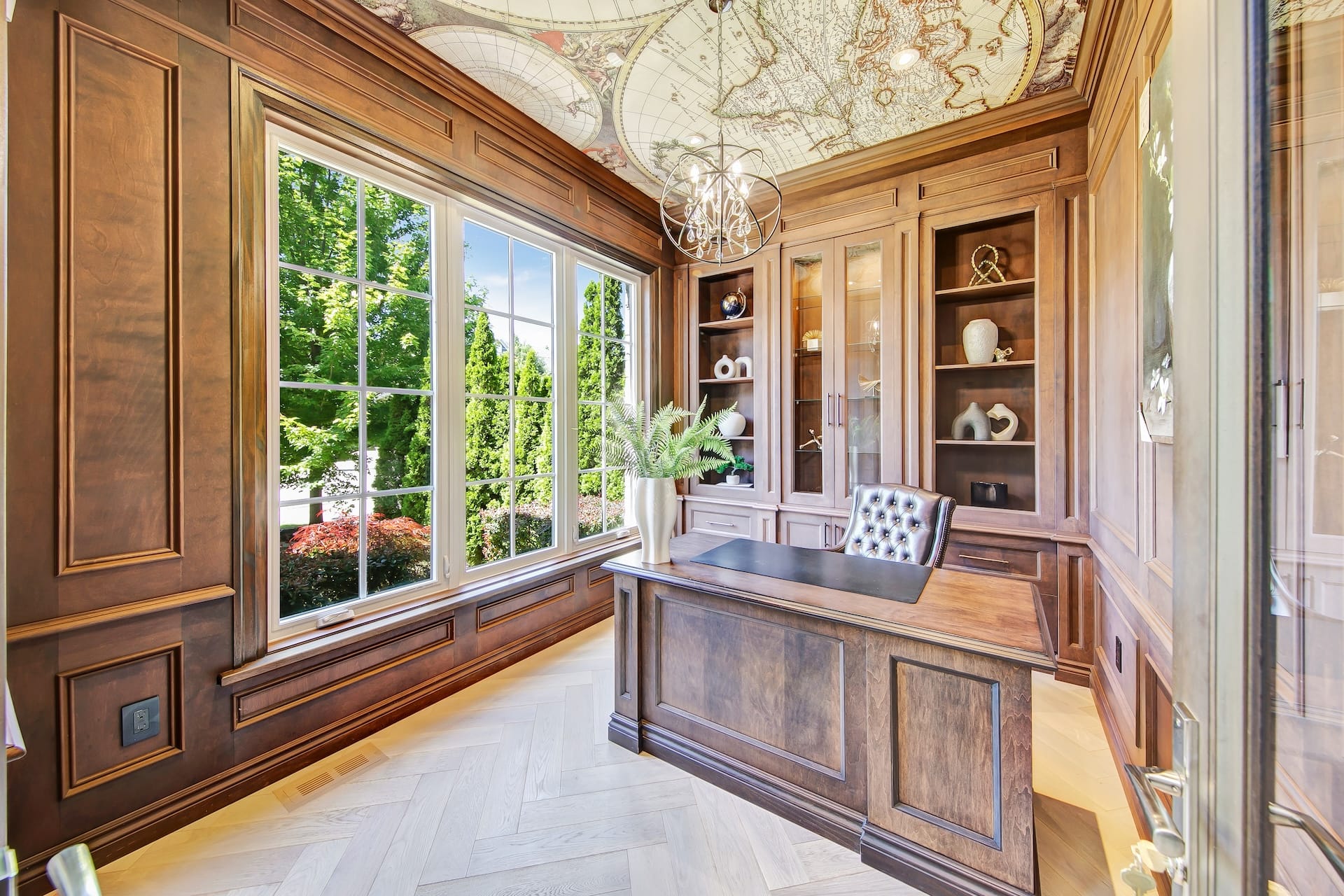
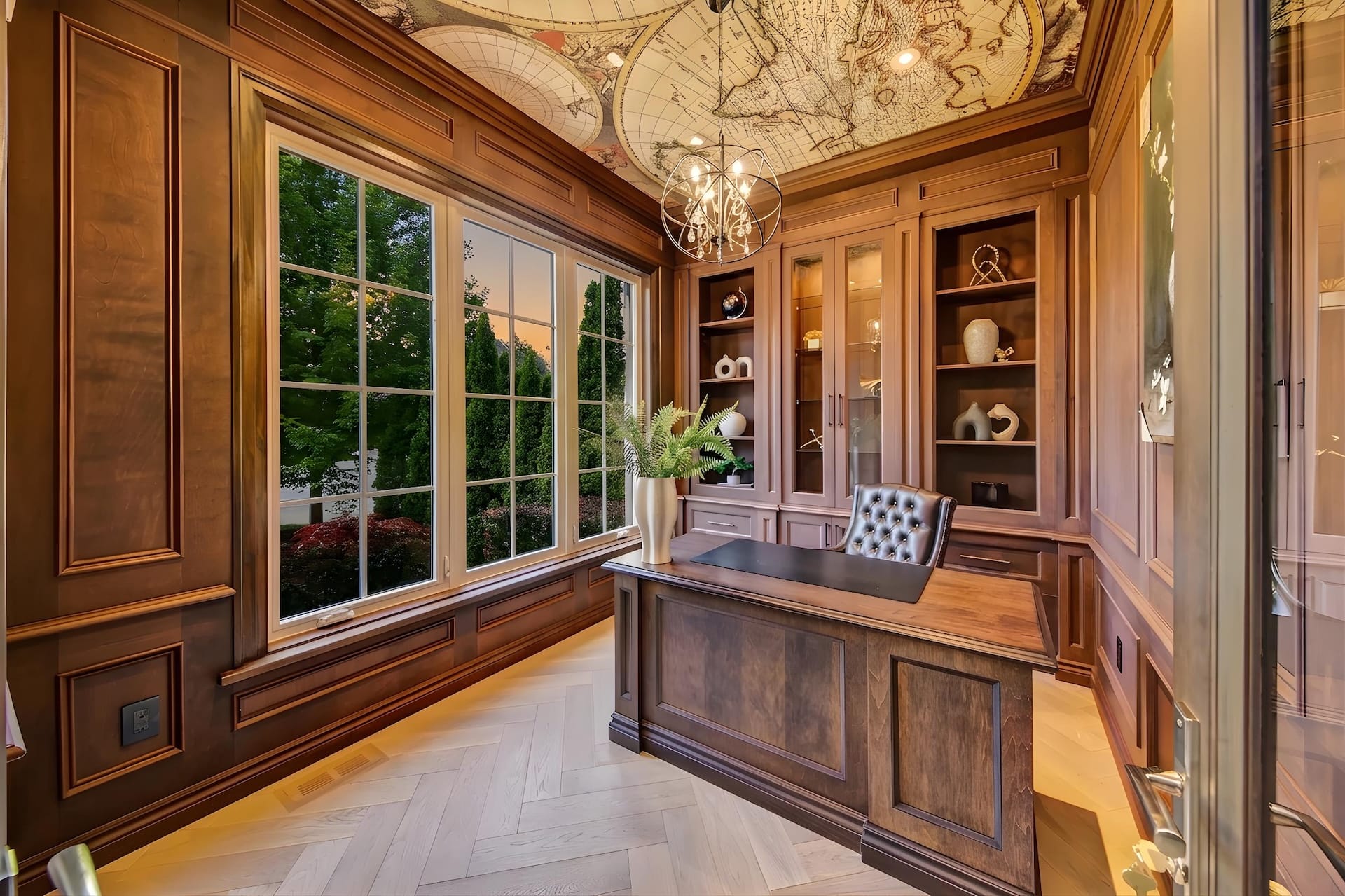
Empty rooms force buyers to guess. Restrained Virtual Staging helps descriptions talk about “office,” “primary retreat,” or “flex space” without sounding abstract—disclose staged images per board/MLS rules.
A practical description workflow
- Collect verified facts from the agent (beds, baths, inclusions, renovations, schools/amenities only if accurate)
- Review the final photo set and note what is visually proven
- Draft the description to follow the gallery sequence
- Cut adjectives that photos cannot support
- Optional: use AI for a first draft, then edit—see AI for listing media Field Notes and the Property Marketing GPT Advisor
Related photography guide: why professional photography strengthens buyer response.
What surprised us most
Shorter, image-aligned descriptions often outperform long lifestyle essays.
Buyers skim. They want confirmation of what they already liked in the first five photos.
Frequently asked questions
Should the photographer write the listing description?
Media teams can draft from agent notes and delivered photos. Agents remain responsible for accuracy and compliance.
Can AI write the description for me?
AI can draft. Always verify facts and tone before publishing.
Do I need twilight photos for every description that mentions “evening entertaining”?
If the copy sells evening mood, the gallery should show it—real twilight or a Day-to-Dusk finish.
About Big Picture 360 Insights
Practical field notes from GTA listing media projects.
Ready to align photos and copy? Order Real Estate Photography, polish with Listing Photo Finish, or start a package at bigpicture360.ca/order. More client tools: Perks hub.