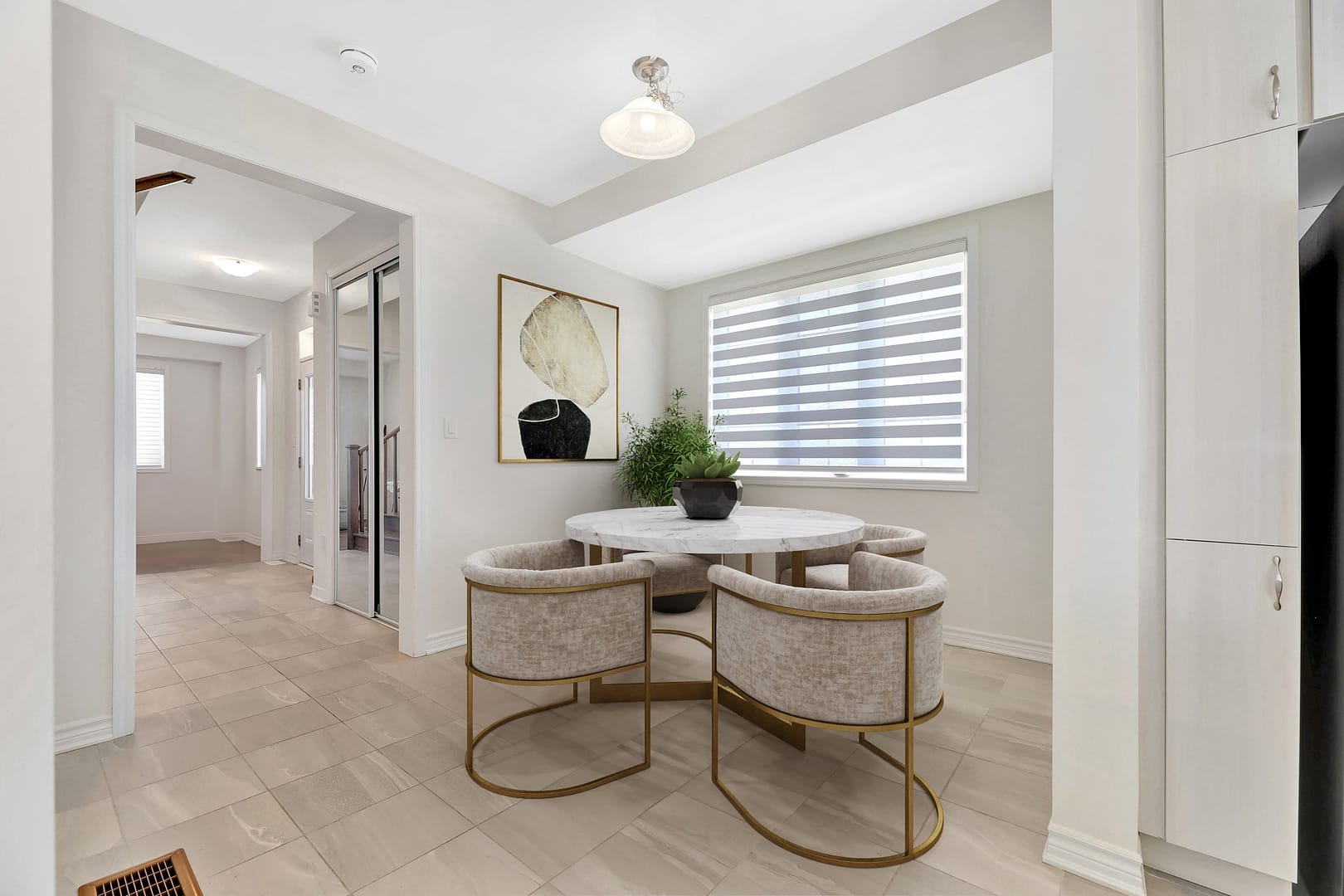
Big Picture 360 Insights · Field Notes — when vacant GTA listings need Virtual Staging.
After photographing more than 1,000 residential properties across Toronto, Mississauga, Oakville, Vaughan, Markham, and the GTA, we’ve observed a recurring vacant-listing problem: empty rooms can be clean and correctly exposed—and still fail to create buyer interest online.
Buyers struggle to judge scale and lifestyle in blank boxes. Virtual Staging adds furniture and decor digitally so the listing communicates how the space lives—without the full cost of physical staging.
Quick Summary
- What Virtual Staging is (and is not)
- When it helps GTA listings most
- MLS disclosure basics
- How it fits with Real Estate Photography and Listing Photo Finish
About this article: Field observations from vacant condos, newly renovated homes, and listing rescues across the GTA—not generic “future of marketing” filler.
What Virtual Staging is
Virtual Staging is the digital addition of furniture and decor to photos of empty or sparsely furnished rooms. It helps buyers visualize potential without physical furniture delivery, storage, or staging rental timelines.
At Big Picture 360 it is available:
- as a standalone service: Virtual Staging
- as part of Listing Photo Finish when you already have photos
- alongside new Real Estate Photography packages
When we recommend it
| Situation | Virtual Staging? | Why |
|---|---|---|
| Vacant condo or freehold | Usually yes | Buyers need scale and lifestyle cues |
| Fresh reno, no furniture yet | Usually yes | Finishes look better with context |
| Selective rooms only (living, primary, dining) | Often best | Focus budget where engagement is highest |
| Fully furnished, well-styled home | Usually no | Physical presentation already works |
| Dark, incomplete, or poorly framed photos | Fix capture first | Staging cannot repair weak photography |
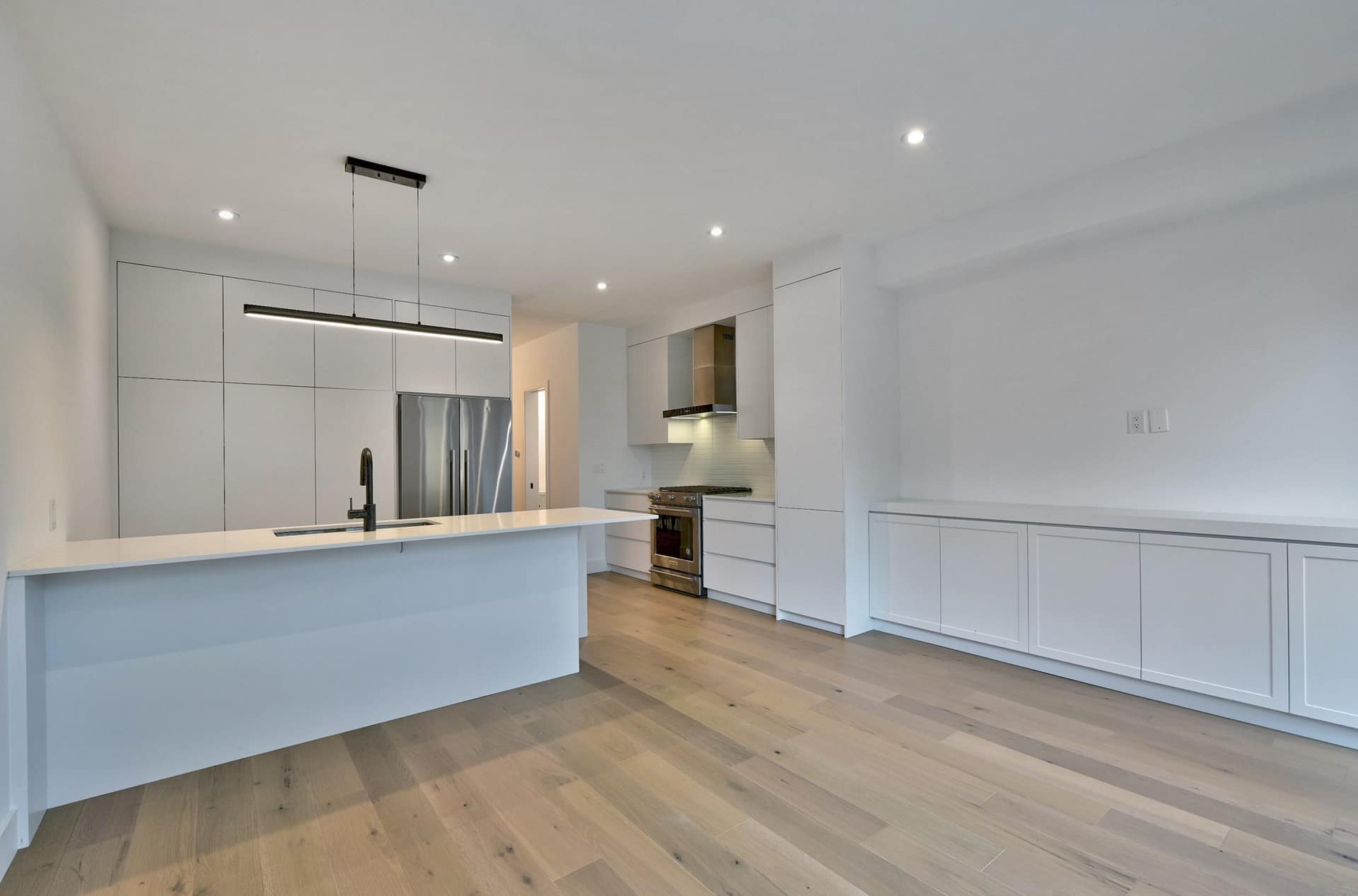
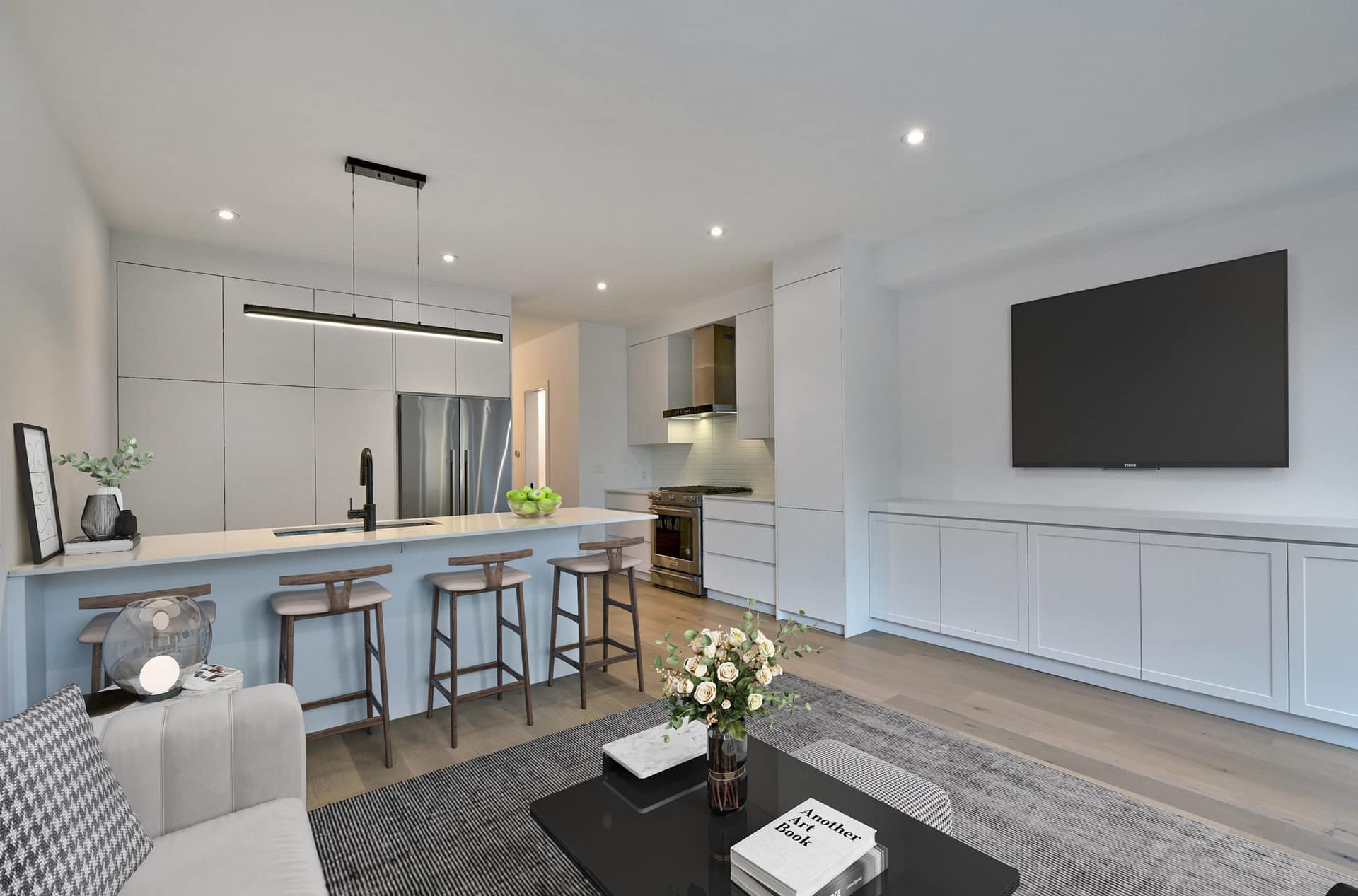
Why vacant listings underperform online
In our experience, buyers scrolling on phones do three things quickly:
- Judge size
- Imagine living there
- Decide whether a showing is worth the trip
Empty rooms interrupt steps 1 and 2. That hesitation shows up as fewer inquiries—not smarter negotiation.
Virtual Staging vs physical staging
- Physical staging — best sensory experience for in-person showings; higher cost and logistics.
- Virtual Staging — best speed/cost for online first impressions; must be disclosed properly.
- Hybrid — stage key rooms physically if budget allows; virtually stage remaining vacant spaces.
MLS and disclosure
In most GTA listing workflows, virtually staged images can be used when disclosed according to your board and MLS rules. Keep original unfurnished photos available when required. Confirm compliance with your brokerage before publishing.
What Virtual Staging cannot fix
- Bad camera angles or missing rooms
- A home photographed before it was ready
- Unrealistic pricing
- Layout confusion that needs floor plans or a Matterport / iGUIDE tour
Start with strong Real Estate Photography, then stage. If photos already exist, use Listing Photo Finish.
What surprised us most
Selective Virtual Staging often outperforms staging every room.
Buyers need clarity in the rooms they emotionally evaluate first—living, kitchen/dining, primary bedroom. Staging everything can look artificial and burn budget without improving clicks.
Frequently asked questions
Is Virtual Staging worth it for GTA condos?
Often yes—especially vacant units where scale is hard to read in wide-angle photos.
How many rooms should I stage?
Start with the highest-impact rooms. We regularly see strong results from 2–4 strategically chosen spaces.
Can you stage photos I already have?
Yes, through Listing Photo Finish when the base photo quality is usable.
Will buyers feel misled?
Not when disclosure is clear and originals are available as required. Transparency protects trust.
Should I still prepare the property if it’s vacant?
Yes—clean floors, finish paint, replace bulbs, and remove leftover renovation debris. Staging looks better on a finished canvas.
About Big Picture 360 Insights
Big Picture 360 Insights shares practical observations from real GTA listing media projects.
Ready to stage vacant rooms? Explore Virtual Staging, upload existing photos via Listing Photo Finish, or book Real Estate Photography.
Next steps: Virtual Staging · Pre-Shoot Checklist (PDF). Related: · Staging a Home for Sale: Photo-Day Staging That Photographs Well · .