Big Picture 360 Insights · Field Notes — which listing media options to choose for a GTA launch.
After photographing more than 1,000 residential properties across the GTA, we organize media choices around the buyer questions you need answered—not around gadget names.
Quick Summary
- Start with Real Estate Photography for every serious listing
- Add Floor Plans / 3D tours when layout confuses buyers
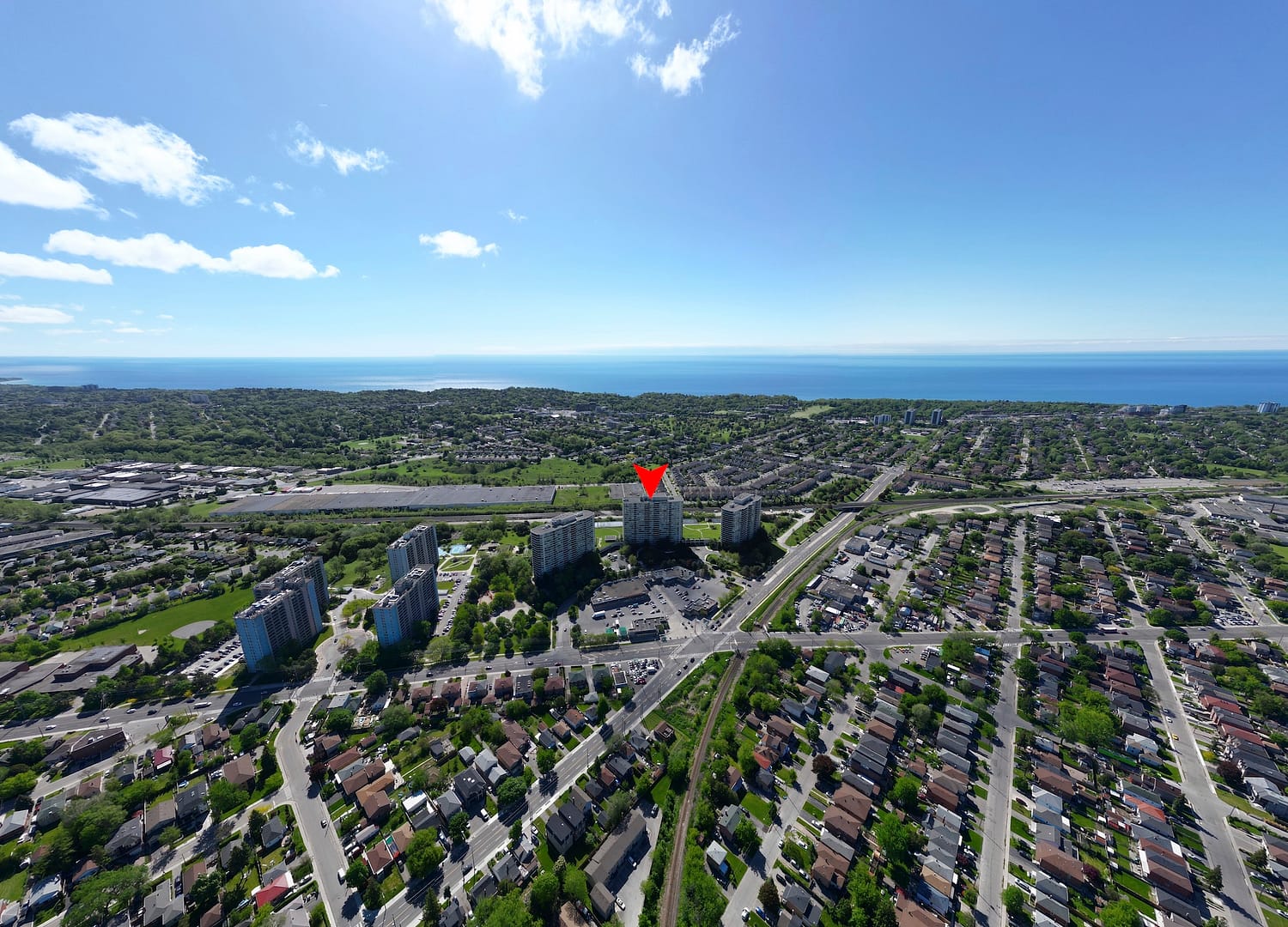
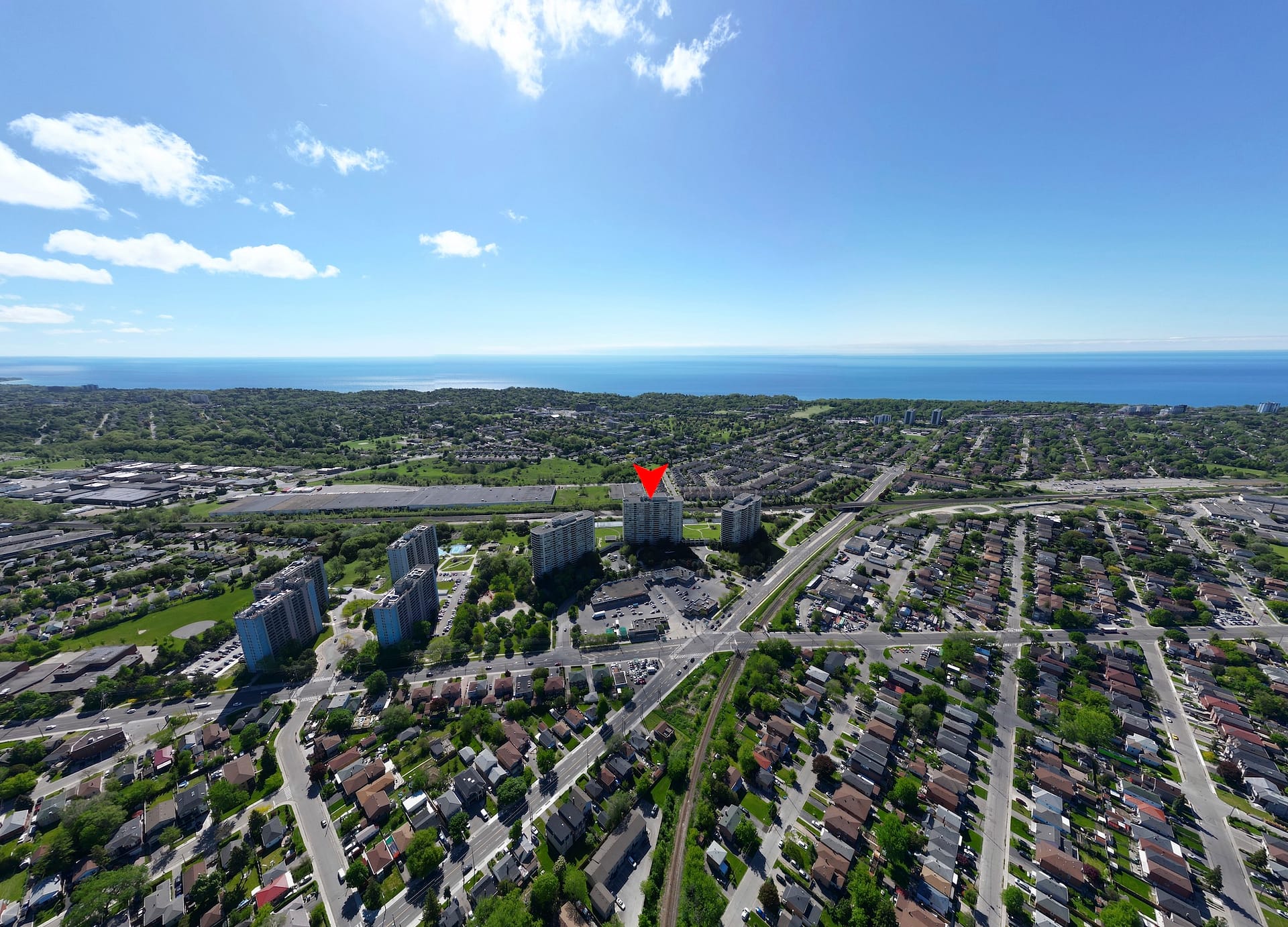
- Add drone when lot or location is part of value
- Use Listing Photo Finish when existing photos need rescue
Core options
| Option | Best when | Start here |
|---|---|---|
| Real Estate Photography | Every MLS / brokerage launch | Photography services |
| Floor Plans | Multi-level or confusing flow | Floor plans |
| Matterport / iGUIDE | Remote buyers need a walkthrough | Matterport vs iGUIDE |
| Drone Photography / Video | Lot, water, privacy, neighbourhood context | Aerial drone |
| Twilight / Day-to-Dusk | Curb appeal needs evening presence | Virtual twilight |
| Virtual Staging | Vacant or cold rooms | Virtual Staging |
| Listing Photo Finish | Existing photos need polish without a reshoot | Listing Photo Finish |
Prep before any option
Download the Pre-Shoot Checklist and review how to prepare for photo day.
Pricing overview: GTA photography cost guide · order a package · Perks hub
Legacy “options” URL retained as a navigation guide into current Big Picture 360 services.